

DepEd Teachers Continue Your Copilot Journey
Everything you need after your training is here. From completing your CPD requirements to accessing webinars and recordings,
this page will guide you through your next steps and help you continue your Copilot journey
What’s Next After Your Training?

You’ve completed your Copilot training. Now let’s make it count.
This page will guide you through earning your CPD points, continuing your learning, and sharing this opportunity with fellow teachers.
Build Your Confidence with Copilot Chat
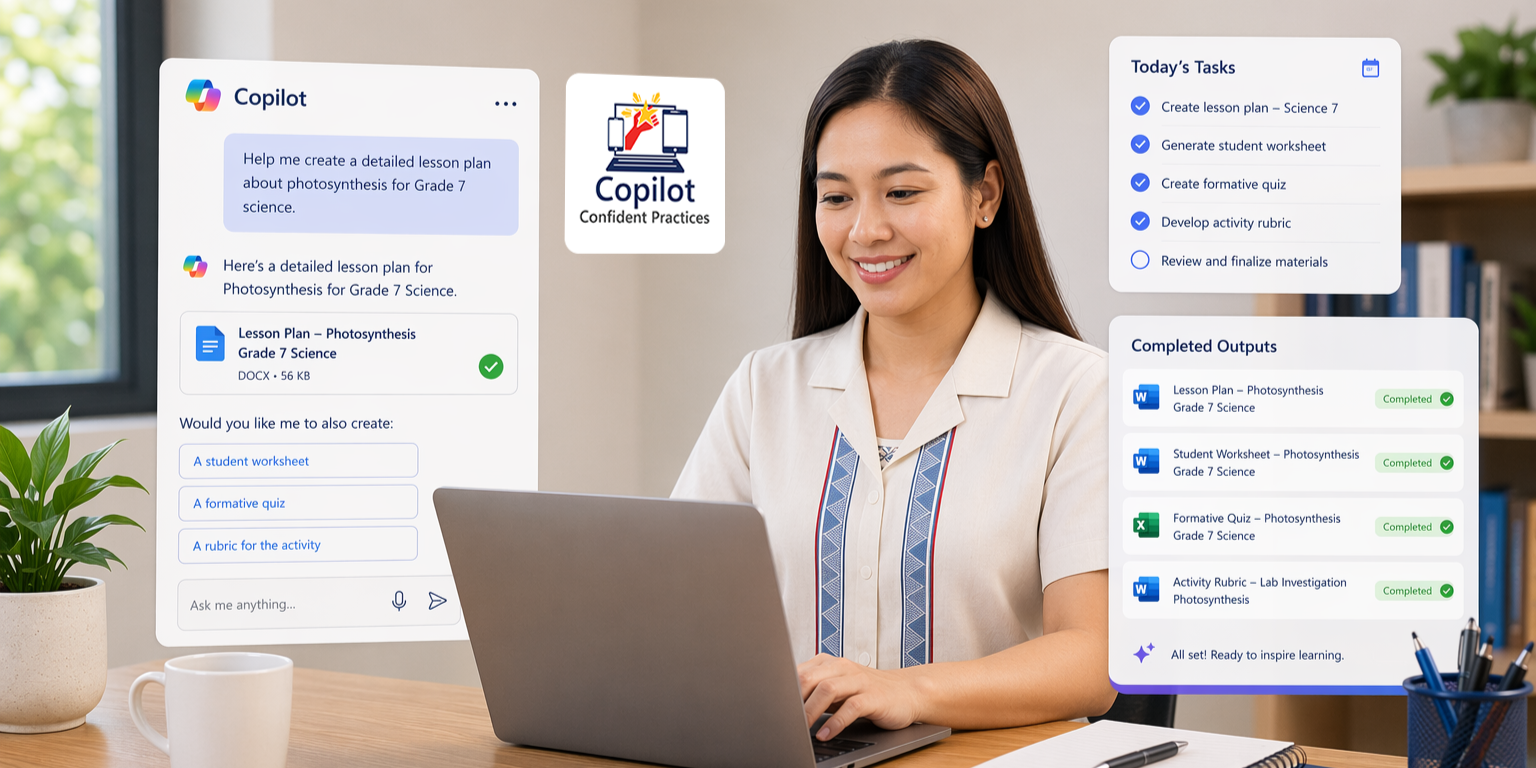
Copilot Confident Practices are simple, ready‑to‑use ways teachers can use Copilot Chat in their daily work.
These practices are part of the Copilot C.H.A.T. Initiative, introduced during your training session, now available through recorded webinars, and further explored in upcoming live sessions.
They are designed to help you save time, stay organized, and focus more on your learners without changing the way you teach. By reducing time spent on repetitive tasks like drafting, formatting, and organizing, Copilot gives you more space to prepare, guide, and inspire your students.
Start simple. Apply Copilot Chat to what you already do every day:
Draft or improve your lesson plans
Create quizzes, rubrics, and classroom activities
Organize and summarize class records or reports
Write messages or announcements for students and parents
Refine and format teaching materials faster
Begin with one task and let Copilot Chat support you step by step. Over time, these small practices become part of your daily routine.
Earn Your 10 CPD Points, Complete Your Requirements
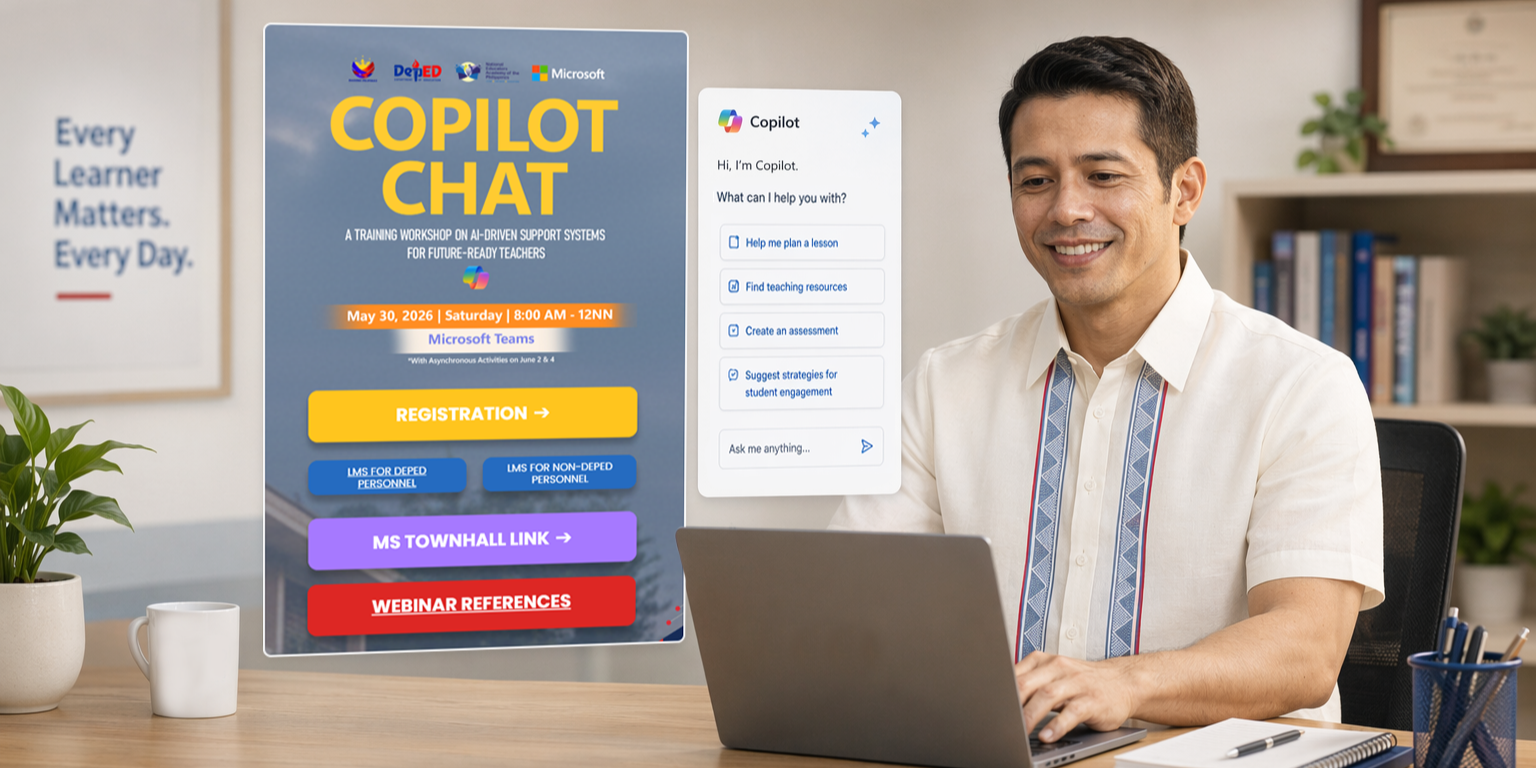
Complete Your Assignment in Just a Few Easy Steps
To get started, follow the steps below:
• Access the session replay and learning materials (for those who were unable to attend the webinar)
• Log in to the Learning Management System (LMS)
• Complete the assigned activity
• Submit your output via the LMS
Deadline: June 28, 2026 – 5:00 PM
Please submit all requirements on or before this date.
Watch Past Webinars

Catch up on past webinars anytime. Whether you're reviewing or just getting started, these sessions will help reinforce your learning and support your teaching practice.
Foundations of Copilot Chat
In this webinar session, teachers are introduced to Copilot Chat, where to find it in their devices, how to login, and how to effectively use it. Teachers are also introduced to the CORE Framework when creating prompts to ensure effective, efficient, and complete outputs.
Drafting & Analysis of Class Records & Preparing Narrative Report
In this webinar session, teachers will use Copilot Chat to analyze class records and transform raw student data into meaningful reports and presentation materials. Participants are expected to learn how Copilot Chat can assist in identifying performance trends, generating visual data representations, and creating narrative summaries and presentation-ready insights to support data-driven instruction and reporting
Creating Visual Aids (Infographic, Banners, Storyboard) Using Copilot Chat
Teachers will explore how Copilot can support the creation of educational visual materials such as infographics or event banners. Through this webinar session, participants will learn how to communicate information visually and effectively while developing materials that are organized, audience-appropriate, visually appealing, and aligned with school or classroom purposes.
Creating Assessments (Quiz, Exams, and Rubrics)
This webinar session focuses on using Copilot Chat to develop classroom assessment materials, including quizzes, exams, or rubrics aligned with learning competencies. Teachers will learn how Copilot Chat can assist in organizing assessment content, generating standards-based evaluation tools, and creating classroom-ready materials that promote accurate and meaningful assessment practices.
Developing a DepEd Curriculum-Aligned Lesson Plan with Copilot Chat
This webinar session guides teachers in using Copilot Chat to create a complete lesson plan aligned with the DepEd MATATAG Curriculum and classroom observation standards. Participants will learn how to streamline lesson planning, integrate learner-centered strategies, and refine AI-generated instructional content to ensure accuracy, curriculum alignment, and classroom readiness.
Developing a Professional Growth Plan Using Copilot Chat
Teachers used Copilot Chat to create a structured professional growth or continuing education plan aligned with their career goals and teaching responsibilities. Participants are expected to learn how Copilot Chat can help organize professional goals, identify development opportunities, and build realistic, actionable plans while maintaining ownership of their professional learning journey.
Professional School Communication Using Copilot Chat
Teachers will explore how Copilot Chat can support the drafting of professional school communication materials such as parent advisories, memoranda, invitations, and announcements. Through guided prompt templates, participants will learn how to create clear, organized, audience-appropriate communication while applying the CORE prompting framework and refining AI-generated outputs using professional judgment.
School Improvement Plan Presentation with Copilot Chat PowerPoint Agent
This webinar session focuses on using Copilot and the PowerPoint Agent to develop a structured and visually engaging School Improvement Plan (SIP) presentation. Teachers and school leaders will learn how to organize school data, summarize priorities and targets, and create professional presentations that effectively communicate plans, interventions, and monitoring strategies to stakeholders.
Creating a Differentiated Learning Activity Using Copilot Chat
Teachers will learn how Copilot Chat can support the development of differentiated classroom activities that respond to diverse learner needs. Participants are expected to practice designing scaffolded, on-level, and enrichment tasks aligned with learning competencies while ensuring instruction remains inclusive, learner-centered, and responsive to varying student abilities
Developing a Project-Based Learning Activity with Copilot Chat
In this webinar session, teachers will use Copilot Chat to design an engaging Project-Based Learning (PBL) activity connected to real-world contexts and curriculum competencies. Participants are expected to learn how Copilot Chat can assist in structuring project plans, defining learner roles and outputs, creating timelines and rubrics, and organizing meaningful collaborative learning experiences.
Become a Copilot Flight Leader

A Copilot Flight Leader is a teacher who goes beyond learning by helping other teachers get started with Copilot Chat.
Flight Leaders:
Apply Copilot Chat in their daily teaching
Share practical techniques with fellow educators
Help build confidence and adoption within their school
They are recognized not by title, but by their impact, modeling how technology can support teaching in meaningful ways.
Discover how YEAPS can help you unlock new opportunities for growth and success.